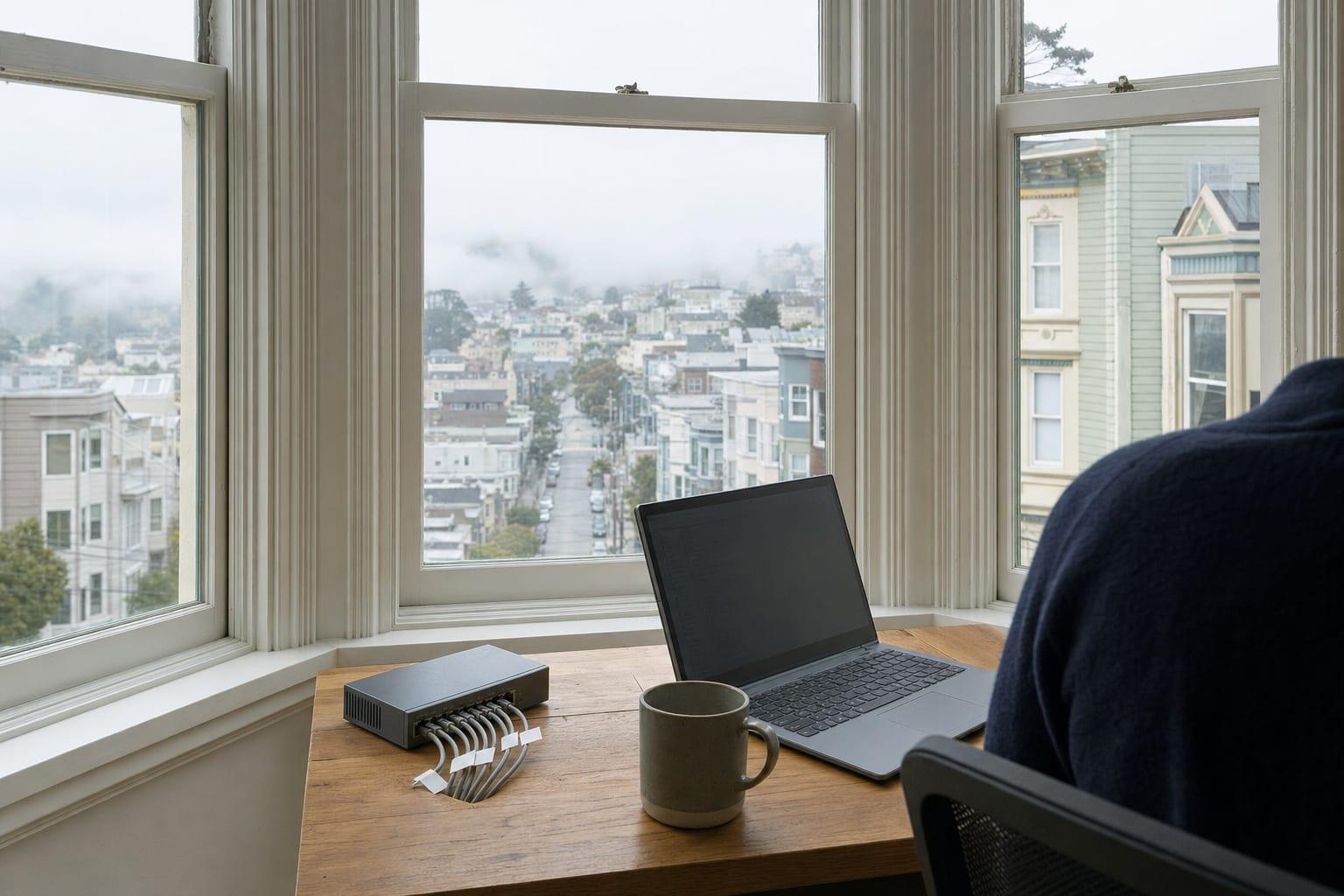
Meetings That Start on Time
Audio Visual Systems in San Francisco
Ten minutes of 'can you hear us' at the top of every call adds up.
Conference Room AV for San Francisco Offices
Audio visual work in San Francisco equips meeting rooms with a display, camera, microphones and speakers that work with Zoom, Teams or Google Meet, so a call starts with one tap or one cable. Rooms are quoted after a look at the space. Request a quote with your room sizes.
Every office has the room. A TV on the wall, a webcam balanced on top and four adapters in a drawer. Somebody always ends up running the meeting from a laptop while six people lean in.
The fix is rarely more equipment. It is the right equipment for the room size, mounted properly and wired once.
What a Conference Room AV Setup Includes
A meeting room has four jobs, which are to show, see, hear and be heard. The parts below cover them.
Display
Sized to the far seat, mounted at eye level and placed away from the window that washes it out at three o'clock.
Camera
A wide-angle unit that frames the whole table. For small rooms an all-in-one video bar does the job.
Microphones
The piece that matters most. Hard walls and bare concrete floors echo, so mic choice follows the room's surfaces.
Speakers
Placed so the far end of the table hears as well as the near end.
One-Touch Join
A table controller or a single USB-C cable starts the meeting. No adapter drawer.
Cable Management
Wires go in the wall or a raceway. Nothing taped across the carpet.

AV Installation Steps
Room Details
You send dimensions, photos and the meeting platform you use.
Design
Display size, camera, mics and mounting points are chosen for the room.
Quote
Equipment and labor are listed separately.
Install and Wire
Mounting, cabling and network setup are done in one visit where possible.
Test Call
A real call is placed with someone at the far seat before sign-off.
Why Choose Us for Audio Visual Systems?
Matched to the Room
The gear list comes from room size and surfaces, not from a catalog bundle.
Works With Your Platform
Zoom, Teams and Meet rooms are set up to the platform you already pay for.
Echo Dealt With
Glass and concrete rooms get microphone and placement choices that cope with them.
A One-Page Cheat Sheet
A card on the table shows how to start a call. Three steps.
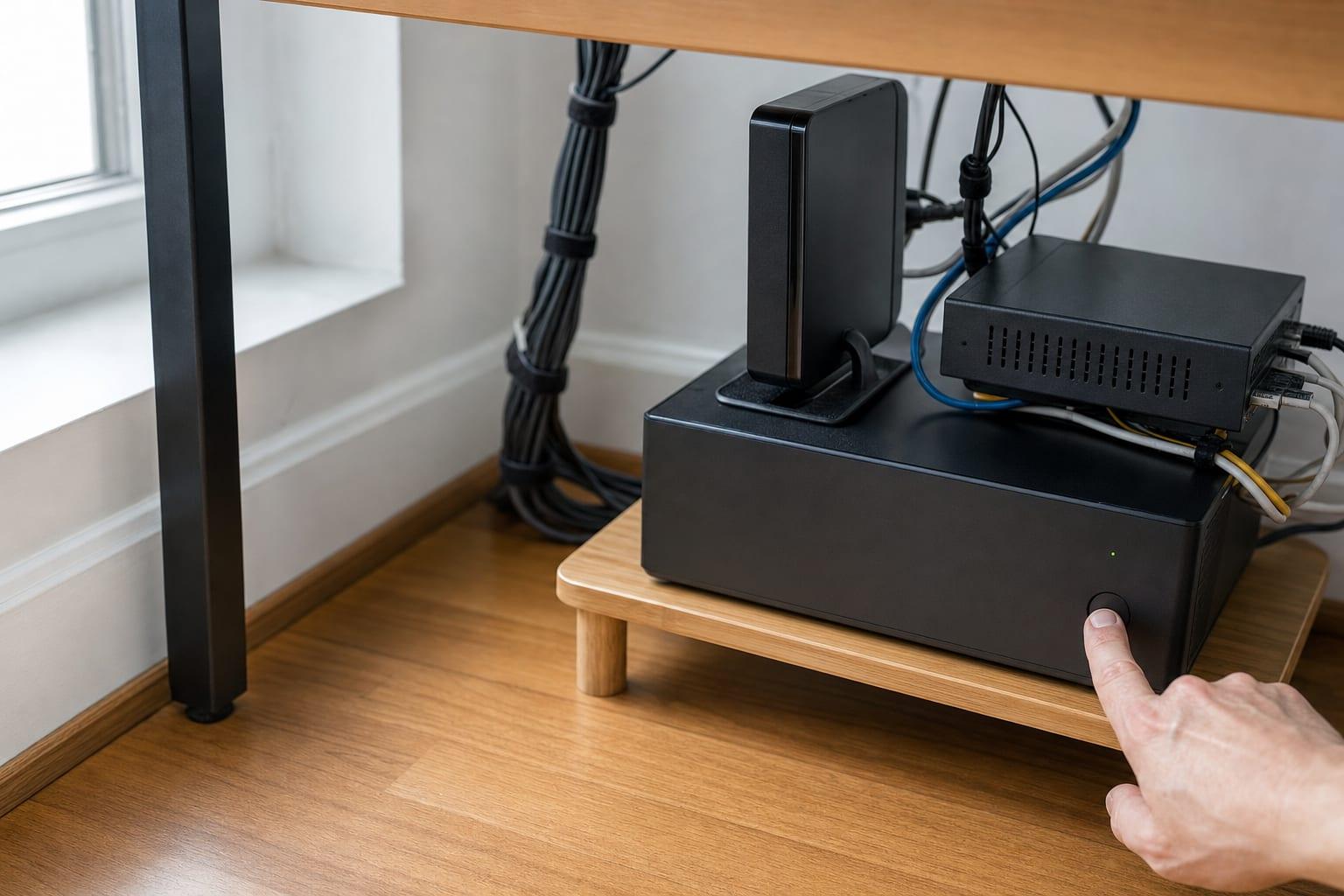
Conference Room AV Cost
| Room type | Price | Driven by |
|---|---|---|
| Huddle room, up to 5 people | Custom quote | Video bar and display size |
| Standard conference room | Custom quote | Mic count, display, mounting |
| Boardroom or training room | Custom quote | Ceiling mics, dual displays, control |
A small room does not need a custom system. A video bar under a display is enough for five people, and anyone who quotes ceiling microphones for a huddle room is overselling.
Talk to a San Francisco IT Team
Room dimensions, how many seats, and which meeting platform you use.
Call (510) 804-0796Get a Free Quote
No obligation.
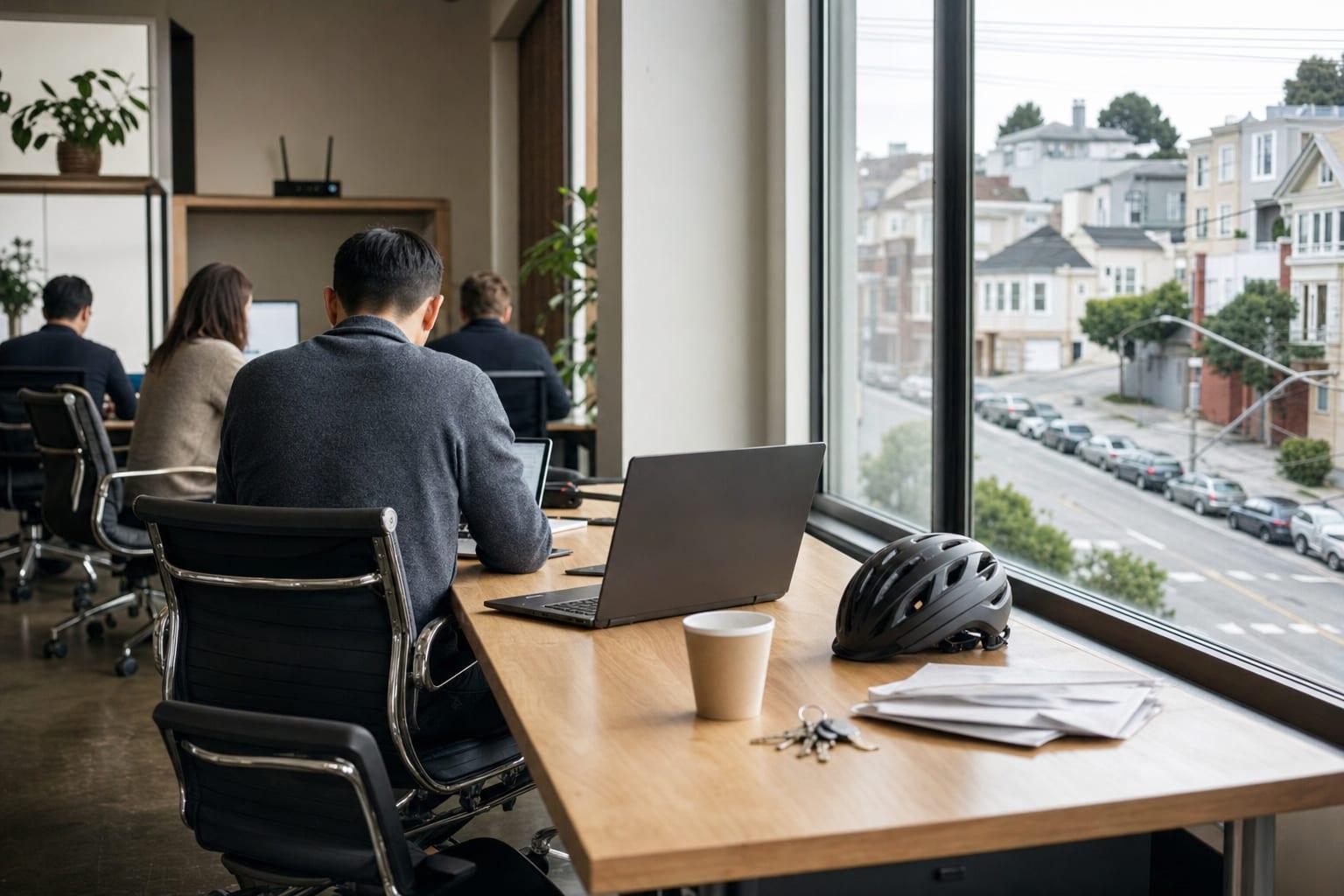
Serving Businesses Across California
Audio Visual Systems Questions
What equipment does a conference room need?
A conference room needs a display, a camera, microphones, speakers and a simple way to join a call. In a small room one video bar combines three of those. Larger rooms need separate microphones so people at the far end are heard.
Why does our meeting room echo on calls?
Echo comes from hard surfaces such as glass walls, bare floors and exposed ceilings, which bounce sound back into the microphone. Better mic placement helps. So do rugs, acoustic panels and curtains. Sometimes the cheapest fix is furniture.
Can one room work with both Zoom and Teams?
Many room systems can join calls on more than one platform, with some limits on features. A plain USB setup works with any platform through a laptop. Say which platforms you use most so the room is built around the main one.
Who installs the TV and runs the cables?
Mounting and low voltage cabling are done by an installer. In California, ask any contractor for the license number and classification before work starts, and check it on the state license board's website.
Our Services in San Francisco, CA
- Managed IT Services
- Small Business IT Support
- IT Support
- IT Services
- IT Consulting
- Cloud Migration
- Cybersecurity
- Cyber Insurance Compliance
- Network Support
- Business WiFi
- Business Phone Systems
- Security Camera Installation
- Access Control Systems
- Network Cabling
- Mobile Device Management
- IT Compliance
- IT Help Desk
- IT Onboarding and Offboarding
- Application Support
- Printer Support