
Broken Now, Fixed Soon
IT Support in San Francisco
Say what broke and when it started. That is the whole intake form.
Business IT Support in San Francisco, Remote and On Site
IT support in San Francisco fixes the problems that stop work, such as dead email, dropped WiFi, locked accounts and slow computers. Most are solved over a remote session, and a tech comes out when equipment has to be touched. Call or request a quote.
Most tickets are small and dull.
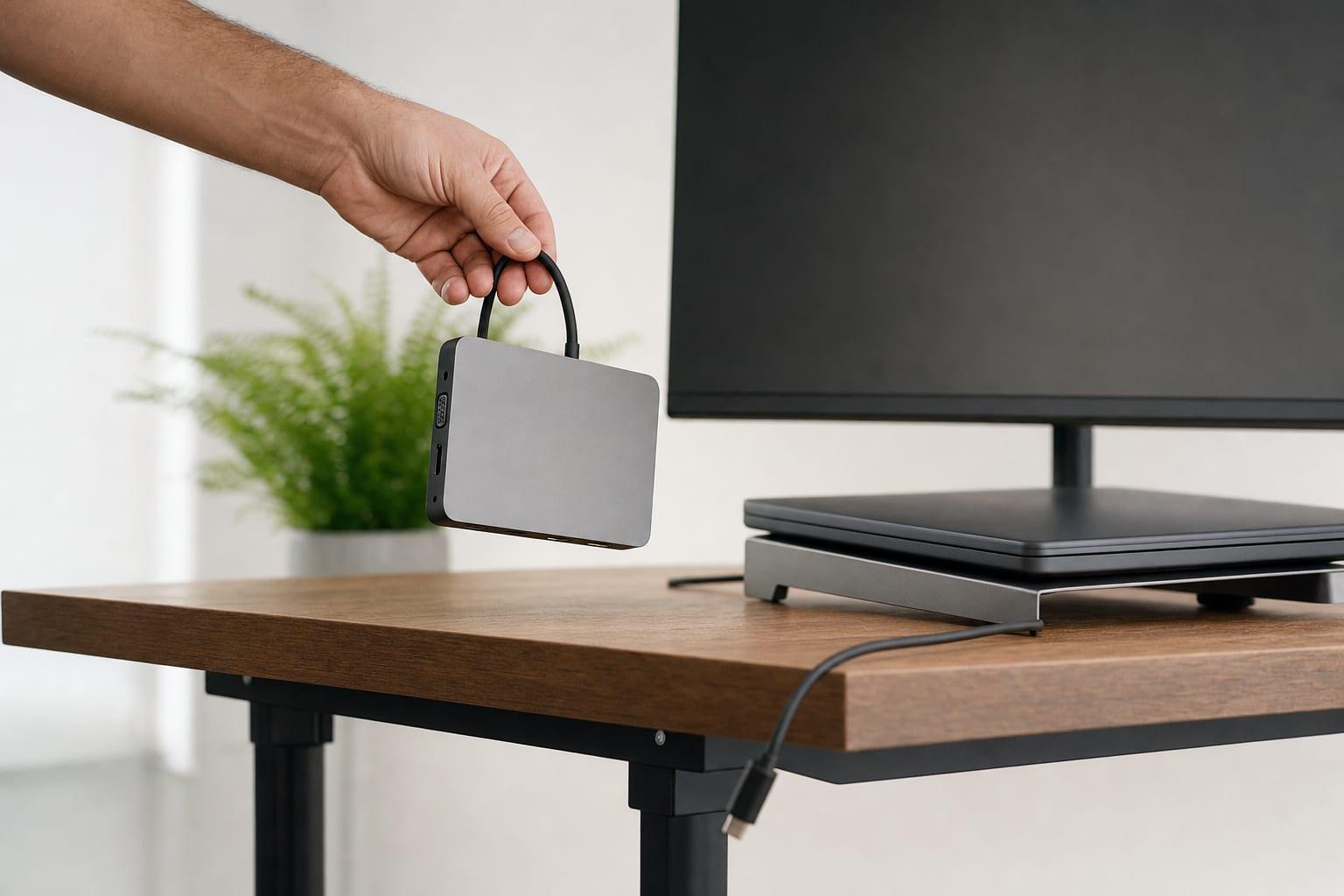
Outlook wants a password it already has. The dock stopped charging. The scanner emails nobody.
The dull ones matter, because they pile up. An office that loses twenty minutes per person per week to small faults is paying for IT support already. It just pays in wasted time.
Common IT Support Requests
These are the calls that come in most. If yours is on the list, it has been fixed many times before. Offices without any IT staff should read about small business IT support for teams of 5 to 50 as well.
Email Problems
Mail that will not send, calendars that will not sync and shared mailboxes that vanish after an update.
Login and Lockouts
Password resets, sign-in codes on a lost phone and accounts that lock every morning for no clear reason.
Slow Computers
Usually a full disk, too little memory or a startup list a mile long. Sometimes the machine is simply done.
WiFi and Internet
Dead spots, drops during video calls and the question of whether the carrier or the router is to blame.
Printers and Scanners
Driver faults, scan-to-email failures and the printer that lost its address after a power blip.
On-Site Hardware Work
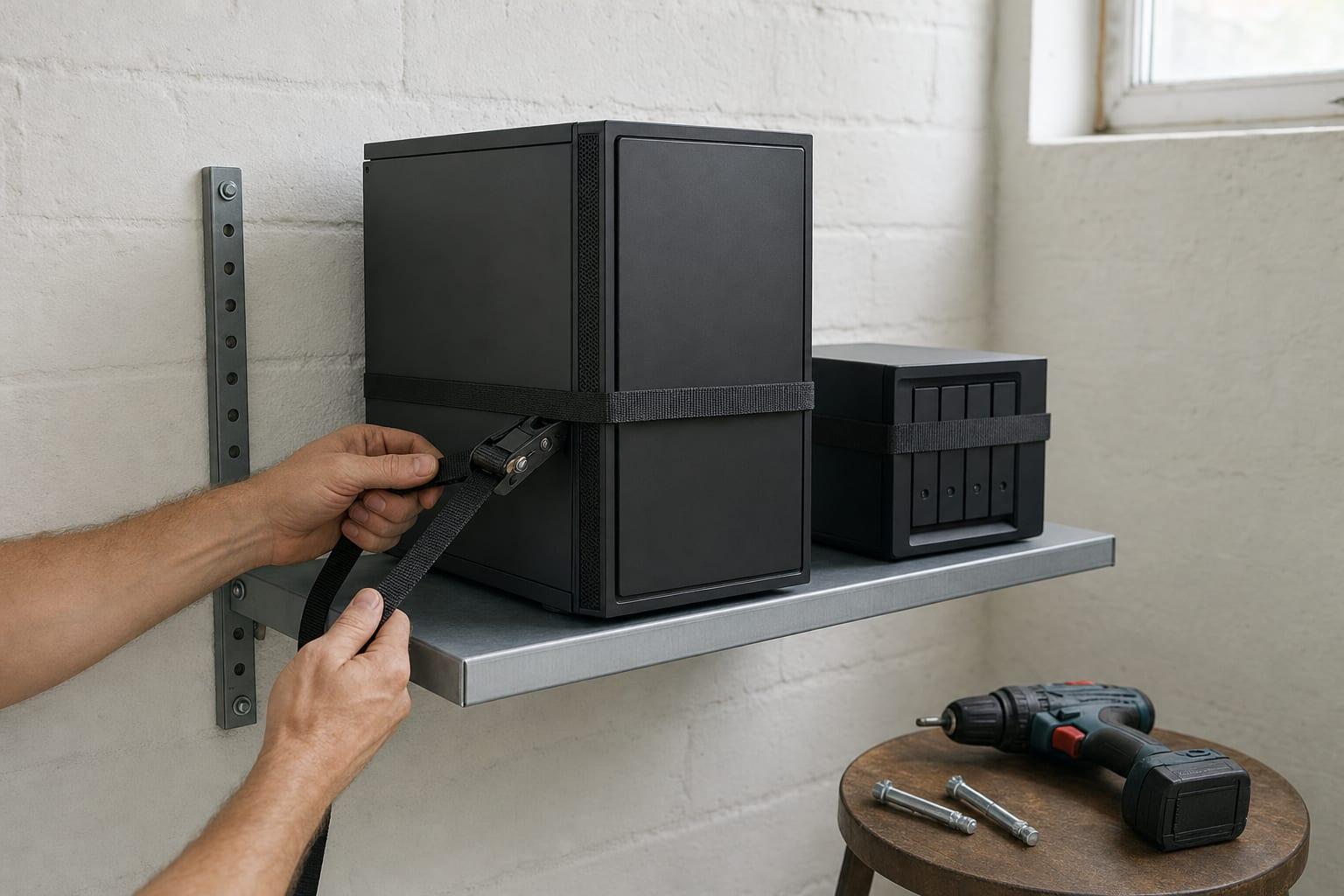
Swapping a failed switch, replacing a battery backup or tracing a dead wall jack. Booked as a visit.
How a Support Request Runs
Report It
Call or email with what broke and who is affected.
Remote Look
A tech connects to the machine and checks the obvious causes first.
Fix or Escalate
Most faults end here, and the rest get a visit or a vendor call.
Confirm With You
The ticket stays open until the person who reported it says it works.
Notes Filed
Cause and fix go into your records for next time.
Why Choose Us for IT Support?
The Cause, Not Only the Symptom
A printer that drops off weekly has a reason. The ticket closes when the reason is fixed.
Every Fix Written Down
Next time the same fault shows up, the notes are there. So is the fix.
Mac and Windows
Mixed offices are normal here. Both get supported under one agreement.
No Contract Needed to Start
A single repair can stay a single repair.
IT Support Pricing in San Francisco
| Option | Price | Works for |
|---|---|---|
| Hourly support | Custom quote | Occasional problems |
| Prepaid hours | Custom quote | Steady but light needs |
| Monthly support plan | Custom quote | Offices that want prevention too |
Travel and parking in the city are real costs, so ask how on-site time is billed before a visit is booked. Remote work is billed differently from a truck roll in most agreements.
Talk to a San Francisco IT Team
What broke, how many people it affects, and whether it has happened before.
Call (510) 804-0796Get a Free Quote
No obligation.

Serving Businesses Across California
IT Support Questions
Is remote IT support enough, or do I need someone on site?
Remote support handles most office problems, including email, logins, software and many network faults. On-site work is for hardware that has to be touched, new equipment installs and cabling. A good agreement spells out both and how each is billed.
Can I get IT support without a monthly contract?
Hourly IT support exists for offices that only need help now and then. You pay for the time used and nothing else. The trade is that nobody watches your backups or patches between calls, so problems are found after they bite.
How quickly will someone respond?
Response times are set by the provider in the written agreement, and they differ for a full outage and a single slow laptop. This site does not publish a number it cannot stand behind. Ask for the targets in writing before you sign.
Do you support Macs as well as Windows PCs?
Mac and Windows computers are both covered, along with phones and tablets that hold company email. Tell the provider the mix up front. An office that is mostly Mac needs a tech who works on Macs daily.
Our Services in San Francisco, CA
- Managed IT Services
- Small Business IT Support
- IT Services
- IT Consulting
- Cloud Migration
- Cybersecurity
- Cyber Insurance Compliance
- Network Support
- Business WiFi
- Business Phone Systems
- Security Camera Installation
- Access Control Systems
- Network Cabling
- Audio Visual Systems
- Mobile Device Management
- IT Compliance
- IT Help Desk
- IT Onboarding and Offboarding
- Application Support
- Printer Support